Liquidation
 0% interest for 6 months
 Профилактика
 DJI Spare Parts
 Extended warranty Drones.bg
 Sell your old drone and get cash now!


- 1 What is D-Log?
- 1.1 Main idea
- 1.2 Why does it matter?
- 2 What is D-Log M 10-bit?
- 2.1 D-Log M
- 2.2 10-bit
- 2.3 Why does the image look gray in D-Log M?
- 3 How do I activate D-Log M?
- 3.1 With drones
- 3.2 Handheld devices
- 4 How are the shots stylized?
- 4.1 In Adobe Premiere Pro 2020
- 4.2 What is LUT?
- 4.3 How does it work?
- 5 Frequently Asked Questions
- 5.1 Why doesn't my device support D-Log M?
- 5.2 Why is my device showing D-Cinelike?
- 5.3 Why can't D-Log M images be processed in post production?
- 5.4 Why do my shots look worse than normal mode, even after I restore the colors?
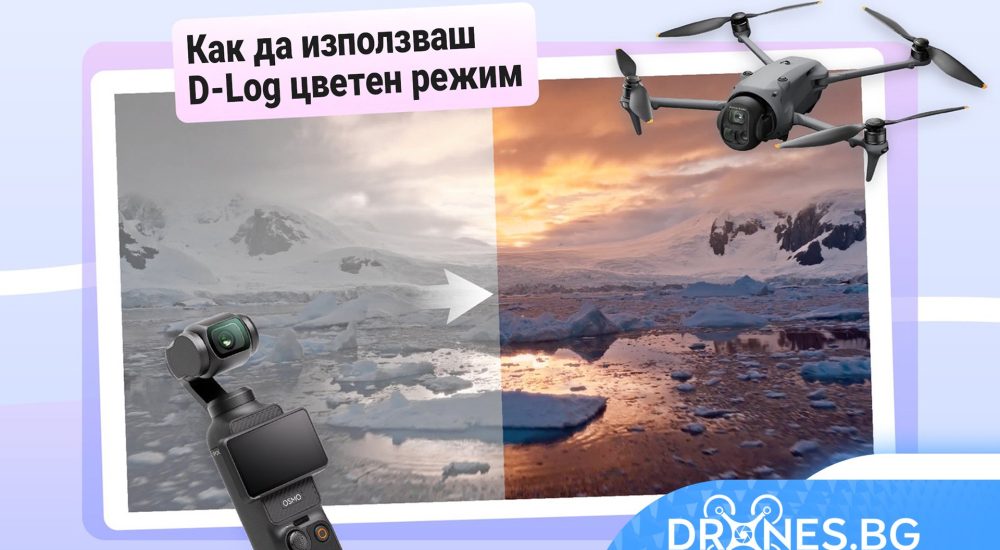
What is 𝐃-𝐋𝐨𝐠 and why is it so preferred?
If you've ever wondered why professional videographers choose to shoot in 𝐃-𝐋𝐨𝐠 – a mode in which footage appears almost colorless – this short guide will show you how this "gray" profile actually works and what its advantages are.
What is D-Log?
Main idea
D-Log is DJI's logarithmic color mode that uses a special log curve to maximize dynamic range and preserve detail in the bright and dark parts of the image.

Why does it matter?
D-Log records a very low contrast image, often described as „grey/dull”, effectively setting the image’s colours to zero. This prevents blown-out highlights, preserves detail in shadows and retains more colour and brightness information to provide greater flexibility in colour styling of footage, ideal for professional and cinema video productions.

What is D-Log M 10-bit?
If your device shows D-Log M 10-bit, this means two main things:
D-Log M
D-Log M is a simplified version of D-Log, offering slightly more limited dynamic range and simpler post-processing. It is ideal for shooting videos that do not require complex color styling.
10-bit
10-bit refers to the range of colors. A 10-bit image displays about 1.07 billion colors, compared to 8-bit, which displays 16.7 million. This means a richer color palette and smoother gradations. D-Log M footage is usually recorded in 10-bit, which is why some devices display this designation in the settings.
Why does the image look gray in D-Log M?
This is normal. D-Log M records desaturated, low-contrast „gray” footage to preserve more light and color information, leaving maximum room for styling in post-production. Simply restore and
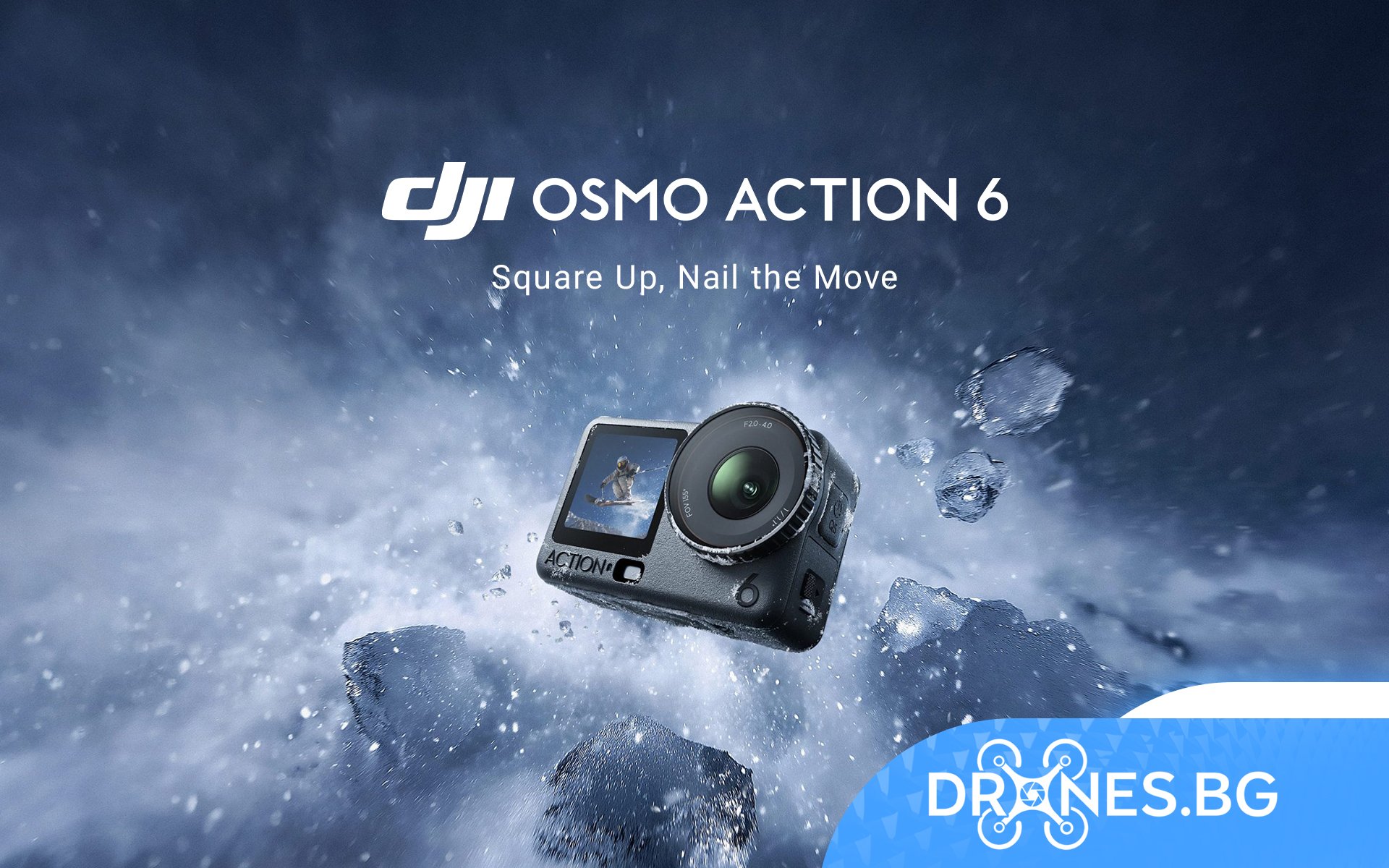
adjust colors in the editing software. Some products (such as Osmo Action 6) also offer a D-Log color preview during shooting.

How do I activate D-Log M?
With drones
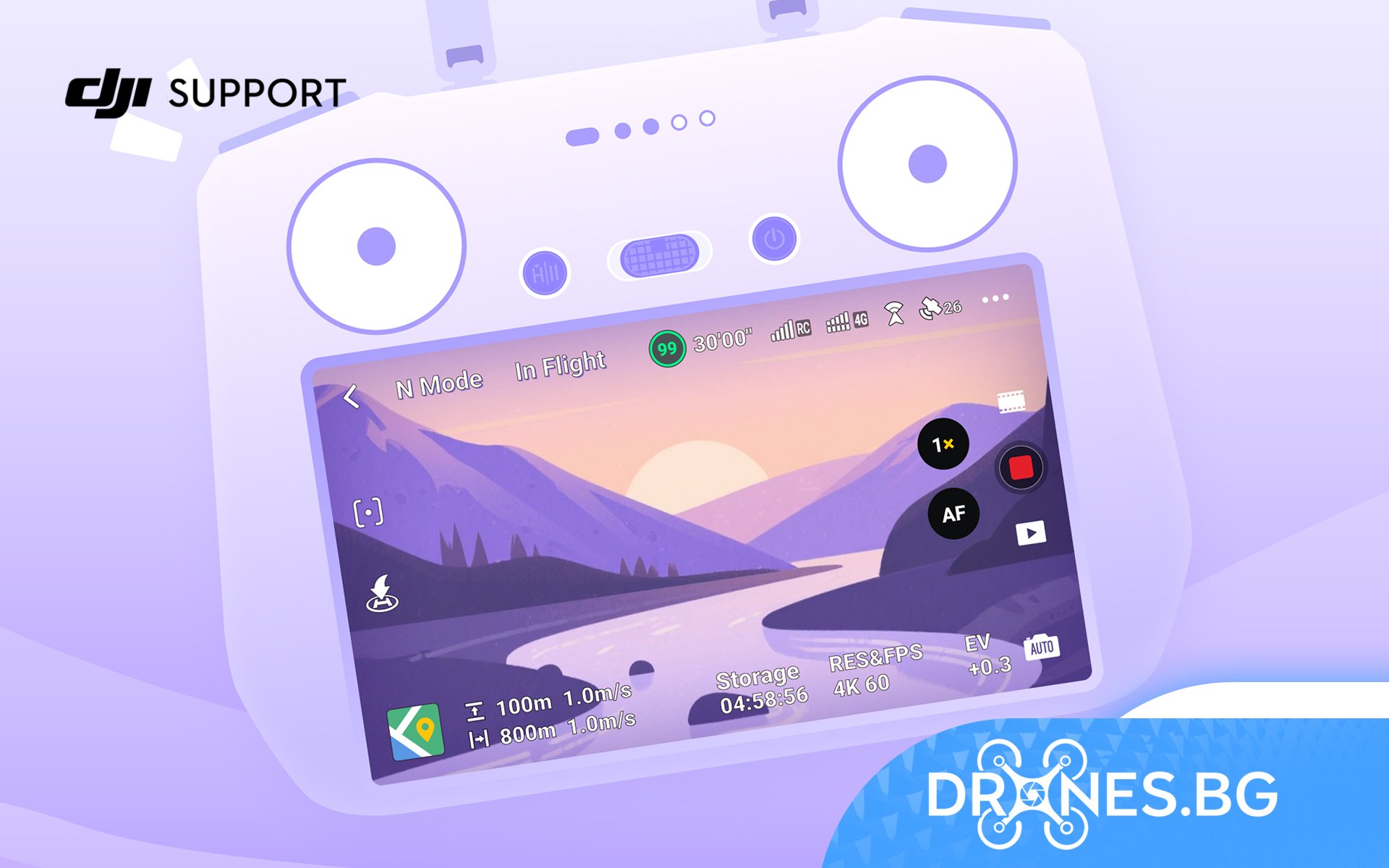
We're using the DJI Air 3S as an example. Tap the three-dot icon in the top right corner of the camera view to access the camera settings and change the color profile to D-Log M. You can also enable it via the PRO mode in the bottom right corner of the camera view.

Handheld devices
Using the Osmo Action 6 as an example, tap the settings icon on the right side of the screen to access the picture and sound settings. Enable PRO mode, then select D-Log M from the color mode options.

Tip:
Most DJI drones and handhelds support D-Log M and have a similar setup method. If the option is not visible, make sure you are in PRO mode.
How are the shots stylized?
Before styling in the processing software, download the official DJI LUT for your device from the DJI website. DJI and import it into your editing program.
DJI Website -> Support -> Download Center -> Software -> Transcoders
In Adobe Premiere Pro 2020
- Right-click on Adobe Premiere Pro 2020 and select Open file location. Go to: C:Program FilesAdobeAdobe Premiere Pro 2020LumetriLUTsTechnical and copy the downloaded .cube file in this folder.
- Open Premiere Pro 2020. The LUT file will appear in the Lumetri Color panel and can be used to restore colors.
What is LUT?
A LUT (Lookup Table) is a preset profile that converts input color values into output values in order to adjust the tone, contrast, and saturation of an image. These profiles are saved as .LUT files. .cube and are widely supported by professional software such as DaVinci Resolve и Adobe Premiere Pro.
Using a DJI action camera? We recommend using DJI Mimo for processing. Official LUTs are built into the app and automatically sync to your device.
How does it work?
- Connect the camera to the phone via DJI Outside.
- Select a clip and click LOG Color Recovery, to apply the official LUT.
- Export immediately or further edit colors with Filter and Color Tuning. You can also insert manually created LUTs for more creative color styling.

Frequently Asked Questions
Why doesn't my device support D-Log M?
Although most DJI devices support D-Log M, a small number of models do not. D-Log M is not available for the following models: DJI Neo 2, DJI Neo, DJI Mini 3, DJI Mini 2, DJI Mini 2 SE, DJI Mini 4K, Mavic Mini, Spark and some Phantom 3 models.
Why is my device showing D-Cinelike?
D-Cinelike adds a film-like look to D-Log, making it easier to watch without stylization. It appears as an alternative color mode on some DJI drones.
Why can't D-Log M images be processed in post production?
In most cases, D-Log M is intended for video recording only. Only a few models support D-Log stills, and these stills must be converted to sRGB before being processed in software.
Why do my shots look worse than normal mode, even after I restore the colors?
D-Log M records more detail for later processing, which means your footage needs the right settings when you shoot. Use manual exposure, carefully adjust white balance, avoid overexposed highlights, and shoot in nice, balanced light for best results.








 Discounts
 0% interest for 6 months
 Vouchers

 All DJI Drones
 DJI Lito
 DJI Mini 5 Pro
 DJI Neo 2
 DJI Neo
 DJI Avatar 360
 DJI Avatar 2
 DJI Mavic 3 Pro
 DJI Air 2S
 DJI Avatar
 DJI FPV
 DJI Mini 3 Pro
 DJI Care Refresh Plans
 DJI Matrix 4
 DJI Matrice 400
 DJI Dock
 DJI Mavic 3 Enterprise
 DJI FLYCART 30
 DJI FlyCart 100 CARGO TRANSPORT DRONE
 Software for industrial drones
 Professional cameras
 Antigravity A1
 Kids drones
 Kids drones
 Drone batteries
 Drone housings
 Drone legs
 Motors/Gears
 Drone Fins / Propellers
 Fin guards
 Chargers
 FPV drones
 FPV drones
 FPV parts
 FPV видео антени
 Аналогови FPV камери
 FPV Батерии
 Аналогови VTX
 Digital FPV systems
 Кабели и конектори
 FPV Зарядни
 Tools
Tools Крепежни елементи
 FPV Мотори
 FPV Перки
 Радио Приемници и Антени
 Дистанционни и модули
 FPV Рамки
 FC / ESC / Stacks
 FPV GPS Модули
 FPV Чанти и кейсове
 Airplanes
 Simulators
 DJI Osmo 360
 DJI Osmo Action 6
 DJI Osmo Action 4
 DJI Mic Mini 2S
 DJI Osmo Pocket 4/4Pro
 DJI Osmo Pocket 3
 DJI Osmo Mobile 8/8P
 DJI Osmo Mobile 7
 DJI Ronin RS 4 PRO
 DJI Ronin RS 3 Pro
 DJI RS3 Mini
 DJI Ronin 4D
 Insta360 X6
 Insta360 Luna
 Insta360 X4
 Insta360 Flow 2 Pro
 Insta360 GO 3/3S
 Other insta360 cameras
 Spare parts for DJI Tello
 Spare parts for DJI NEO / NEO 2
 Spare parts for Dji Air 3 / 3S
 Spare parts for DJI Avata / Avata 2
 Spare parts for DJI Spark

 Drone football (DroneBALL)