Liquidation
 0% interest for 6 months
 Профилактика
 DJI Spare Parts
 Extended warranty Drones.bg
 Sell your old drone and get cash now!

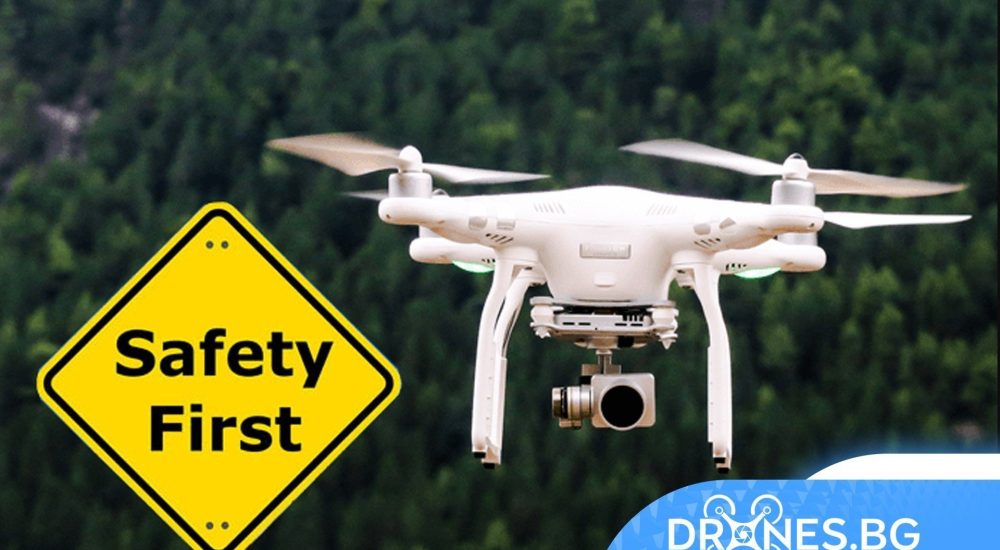

Tips for safe drone flight!
Hello DJI pilots,
We've put together some tips for dealing with flight safety and would like to share them with you.
There are 4 parts including environmental considerations, pre-flight checklist, in-flight precautions and how to find your drone. We hope this can help someone in need.
Part 1: Environmental considerations
1. Fly only in environments where there is no magnetic or radio interference, buildings, and other obstacles.
2. Do not fly over or near large crowds.
3. Only fly in authorized areas. Stay away from GEO zones and restricted areas to prevent the drone from entering these areas by mistake and taking off.
4. It is not recommended to fly your drone in scenic spots, historical sites, parks, and near government and military institutions. Although these places are not officially demarcated as restricted areas, they are very likely to be controlled areas. The remote control signal may be lost during flight if you operate the drone in these areas and the drone may fly away unexpectedly.
5. Do not fly your drone near areas with magnetic or radio interference, including Wi-Fi hotspots, routers, Bluetooth devices, high-voltage lines, large power transmission stations, radar stations, mobile base stations, and broadcasting towers. Otherwise, the drone's wireless transmission performance may be affected by interference and the drone may not be able to fly normally.
1. Fly only in environments where there is no magnetic or radio interference, buildings, and other obstacles.
2. Do not fly over or near large crowds.
3. Only fly in authorized areas. Stay away from GEO zones and restricted areas to prevent the drone from entering these areas by mistake and taking off.
4. It is not recommended to fly your drone in scenic spots, historical sites, parks, and near government and military institutions. Although these places are not officially demarcated as restricted areas, they are very likely to be controlled areas. The remote control signal may be lost during flight if you operate the drone in these areas and the drone may fly away unexpectedly.
5. Do not fly your drone near areas with magnetic or radio interference, including Wi-Fi hotspots, routers, Bluetooth devices, high-voltage lines, large power transmission stations, radar stations, mobile base stations, and broadcasting towers. Otherwise, the drone's wireless transmission performance may be affected by interference and the drone may not be able to fly normally.
Part 2: Pre-flight checklist
1. Make sure the remote controller and drone batteries are fully charged. (It is recommended to fully charge the battery and then fly the drone.)
2. Make sure the propellers are installed correctly. Check for broken or bent propellers and that all propellers are deployed.
3. Connect your mobile device to the remote controller. First, turn on the power of the remote controller, and then turn on the power of the aircraft. Extend the antennas of the remote controller and check if the remote controller is connected to the aircraft. Check if there are any warnings displayed under Aircraft Status in the app, such as compass, IMU or vision sensor errors. Check if the image transmission signal is strong at the takeoff point. When the app screen displays „Ready to Go“ and the prompt „HomePoint updated“ appears, enjoy your flight.
4. It is recommended to set „No RC Signal Action“ to „RTH“ in the remote controller settings in the app. (The drone will automatically return to the home point when the remote controller signal is lost.)
5. It is recommended to set the RTH altitude higher than the height of obstacles in the environment to avoid collisions during RTH.
1. Make sure the remote controller and drone batteries are fully charged. (It is recommended to fully charge the battery and then fly the drone.)
2. Make sure the propellers are installed correctly. Check for broken or bent propellers and that all propellers are deployed.
3. Connect your mobile device to the remote controller. First, turn on the power of the remote controller, and then turn on the power of the aircraft. Extend the antennas of the remote controller and check if the remote controller is connected to the aircraft. Check if there are any warnings displayed under Aircraft Status in the app, such as compass, IMU or vision sensor errors. Check if the image transmission signal is strong at the takeoff point. When the app screen displays „Ready to Go“ and the prompt „HomePoint updated“ appears, enjoy your flight.
4. It is recommended to set „No RC Signal Action“ to „RTH“ in the remote controller settings in the app. (The drone will automatically return to the home point when the remote controller signal is lost.)
5. It is recommended to set the RTH altitude higher than the height of obstacles in the environment to avoid collisions during RTH.
Part 3: In-flight precautions
1. Make sure the remote controller antenna is aligned with the direction of the drone's flight and pay attention to the signal strength for image transmission. If the app displays a warning that the signal is weak or lost, please try to adjust the antenna to point it in the direction of the drone. Make sure there are no obstacles between the remote controller and the drone. Otherwise, the signal may be lost.
2. If the image transmission signal is lost but the drone can be controlled, please try to adjust the antenna to point it in the direction of the drone and tap the map at the bottom left corner of the app screen to check the current position of the drone and the flight path in real time. Then control the drone to return to the home point based on the flight path shown on the flight map. Please pay attention to the height of the surrounding buildings and use the remote controller to control the speed and altitude of the drone to avoid collisions. If the signal between the drone and the controller cannot be restored, please immediately press and hold the RTH button on the remote controller and release the button until the remote controller beeps (DDD). Go to the home point location recorded in the app and wait for the drone to return. (If the home point is updated during flight, please go to the updated home point.)
1. Make sure the remote controller antenna is aligned with the direction of the drone's flight and pay attention to the signal strength for image transmission. If the app displays a warning that the signal is weak or lost, please try to adjust the antenna to point it in the direction of the drone. Make sure there are no obstacles between the remote controller and the drone. Otherwise, the signal may be lost.
2. If the image transmission signal is lost but the drone can be controlled, please try to adjust the antenna to point it in the direction of the drone and tap the map at the bottom left corner of the app screen to check the current position of the drone and the flight path in real time. Then control the drone to return to the home point based on the flight path shown on the flight map. Please pay attention to the height of the surrounding buildings and use the remote controller to control the speed and altitude of the drone to avoid collisions. If the signal between the drone and the controller cannot be restored, please immediately press and hold the RTH button on the remote controller and release the button until the remote controller beeps (DDD). Go to the home point location recorded in the app and wait for the drone to return. (If the home point is updated during flight, please go to the updated home point.)
Part 4: How to find your drone?
1. If the drone fails to return to the home point, the „Find My Drone“ function in the DJI app can simply help you recover it. (On the map, the red arrow indicates the drone’s last known location, and the blue arrow indicates the user’s current position.) Tap the red arrow and the drone will beep while the lights flash repeatedly. (Prerequisite: The drone is not turned off and the remote controller and the drone are still connected.)
2. If the drone's position recorded by the Find My Drone function is inaccurate due to poor GPS signal, you can determine the coordinates and status of the departing drone by checking the flight records. If the position cannot be determined, contact DJI support.
Tips:
1. If the drone's position has been determined, but it has fallen into water or a hard-to-reach place (such as a tree, roof, or cliff), do not risk your personal safety to try to retrieve it. .
2. DJI provides a free flight data analysis service if your drone is under warranty to help you identify the cause of the incident.
1. If the drone fails to return to the home point, the „Find My Drone“ function in the DJI app can simply help you recover it. (On the map, the red arrow indicates the drone’s last known location, and the blue arrow indicates the user’s current position.) Tap the red arrow and the drone will beep while the lights flash repeatedly. (Prerequisite: The drone is not turned off and the remote controller and the drone are still connected.)
2. If the drone's position recorded by the Find My Drone function is inaccurate due to poor GPS signal, you can determine the coordinates and status of the departing drone by checking the flight records. If the position cannot be determined, contact DJI support.
Tips:
1. If the drone's position has been determined, but it has fallen into water or a hard-to-reach place (such as a tree, roof, or cliff), do not risk your personal safety to try to retrieve it. .
2. DJI provides a free flight data analysis service if your drone is under warranty to help you identify the cause of the incident.






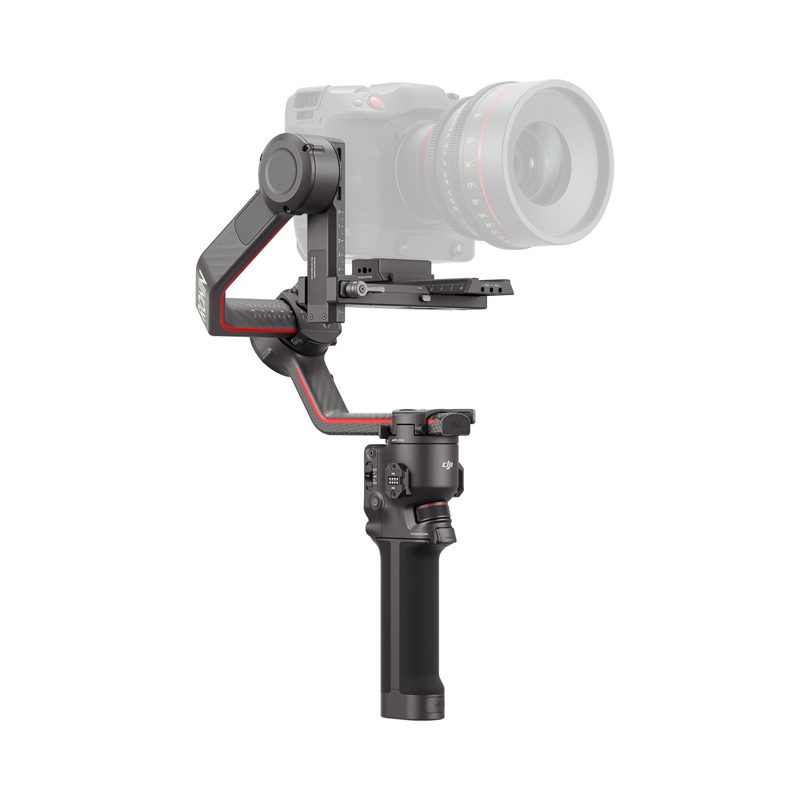


 Discounts
 0% interest for 6 months
 Vouchers

 All DJI Drones
 DJI Lito
 DJI Mini 5 Pro
 DJI Neo 2
 DJI Neo
 DJI Avatar 360
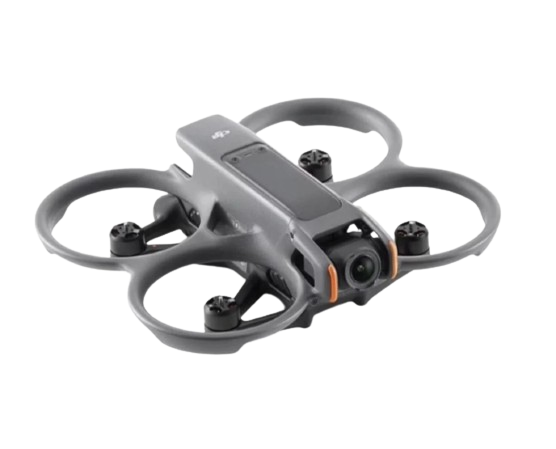
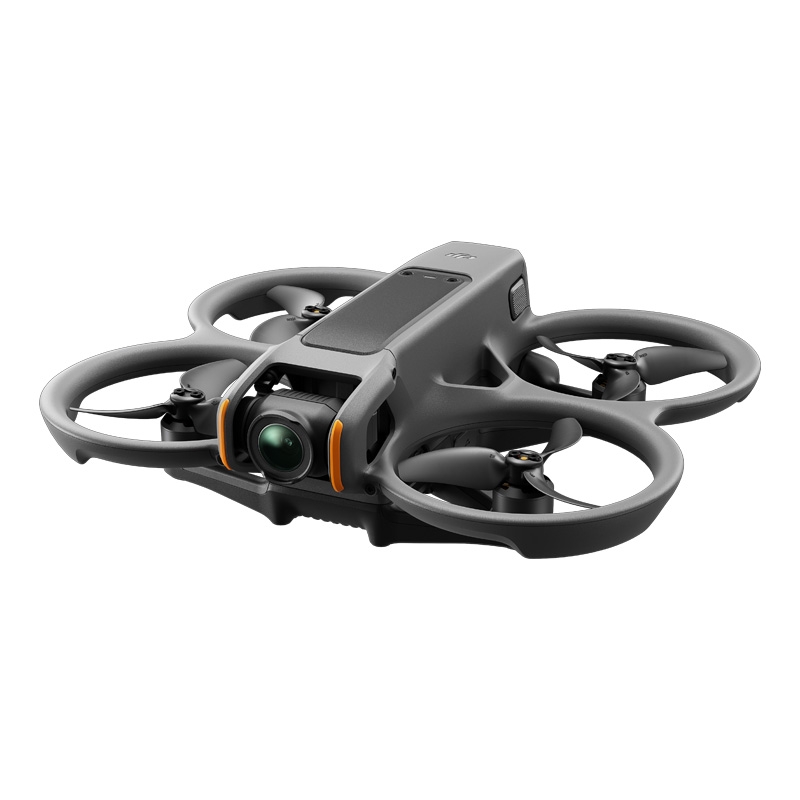 DJI Avatar 2
 DJI Mavic 3 Pro
 DJI Air 2S
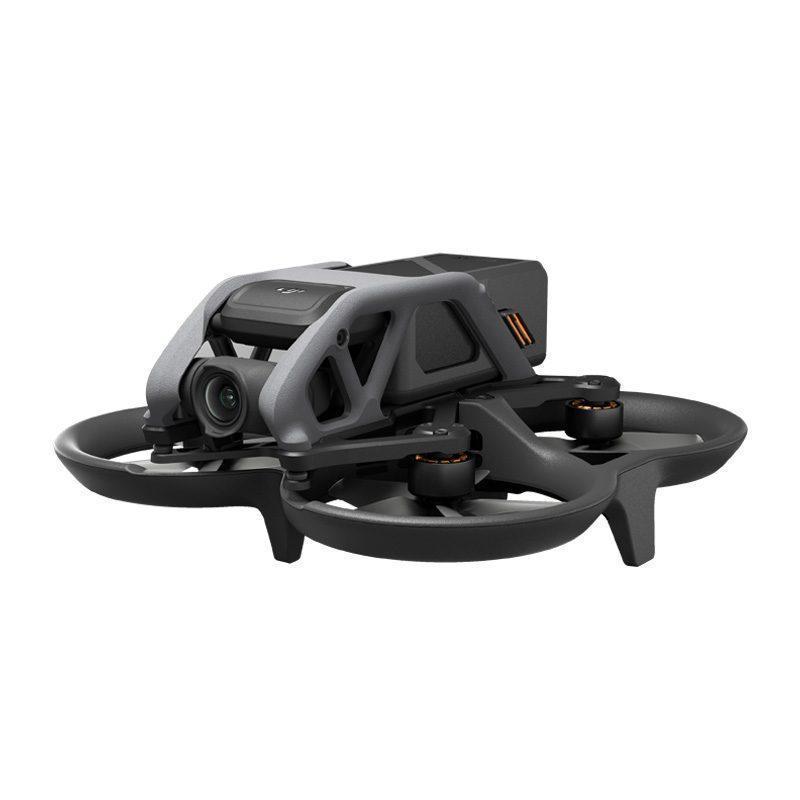 DJI Avatar
 DJI FPV
 DJI Mini 3 Pro
 DJI Care Refresh Plans
 DJI Matrix 4
 DJI Matrice 400
 DJI Dock
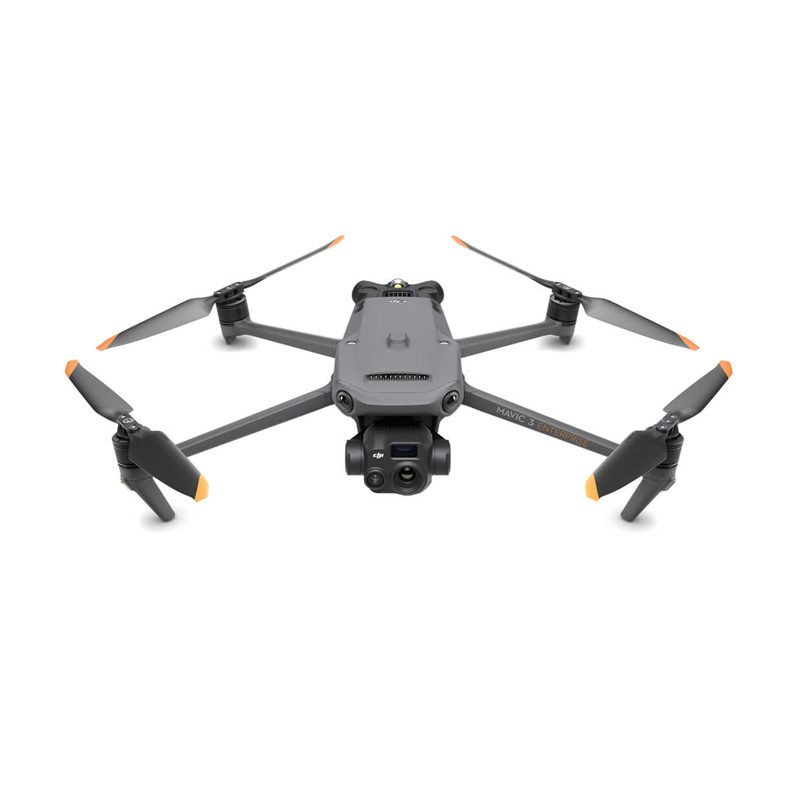 DJI Mavic 3 Enterprise
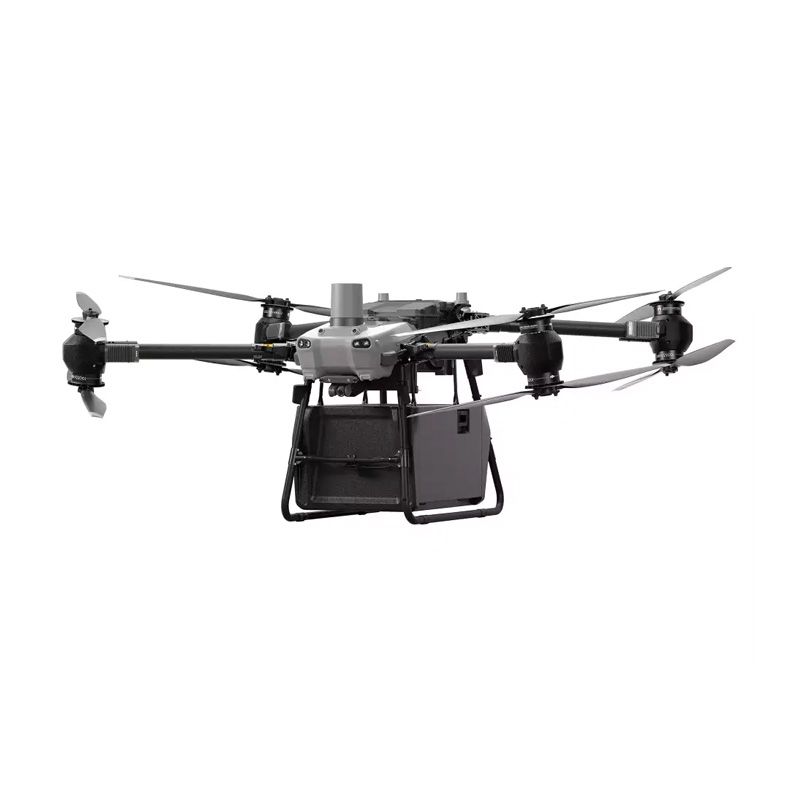
 DJI FLYCART 30
 DJI FlyCart 100 CARGO TRANSPORT DRONE
 Software for industrial drones
 Professional cameras
 Antigravity A1
 Kids drones
 Kids drones
 Drone batteries
 Drone housings
 Drone legs
 Motors/Gears
 Drone Fins / Propellers
 Fin guards
 Chargers
 FPV drones
 FPV drones
 FPV parts
 FPV видео антени
 Аналогови FPV камери
 FPV Батерии
 Аналогови VTX
 Digital FPV systems
 Кабели и конектори
 FPV Зарядни
 Tools
Tools Крепежни елементи
 FPV Мотори
 FPV Перки
 Радио Приемници и Антени
 Дистанционни и модули
 FPV Рамки
 FC / ESC / Stacks
 FPV GPS Модули
 FPV Чанти и кейсове
 Airplanes
 Simulators
 DJI Osmo 360
 DJI Osmo Action 6
 DJI Osmo Action 4
 DJI Mic Mini 2S
 DJI Osmo Pocket 4/4Pro
 DJI Osmo Pocket 3
 DJI Osmo Mobile 8/8P
 DJI Osmo Mobile 7
 DJI Ronin RS 4 PRO
 DJI Ronin RS 3 Pro
 DJI RS3 Mini
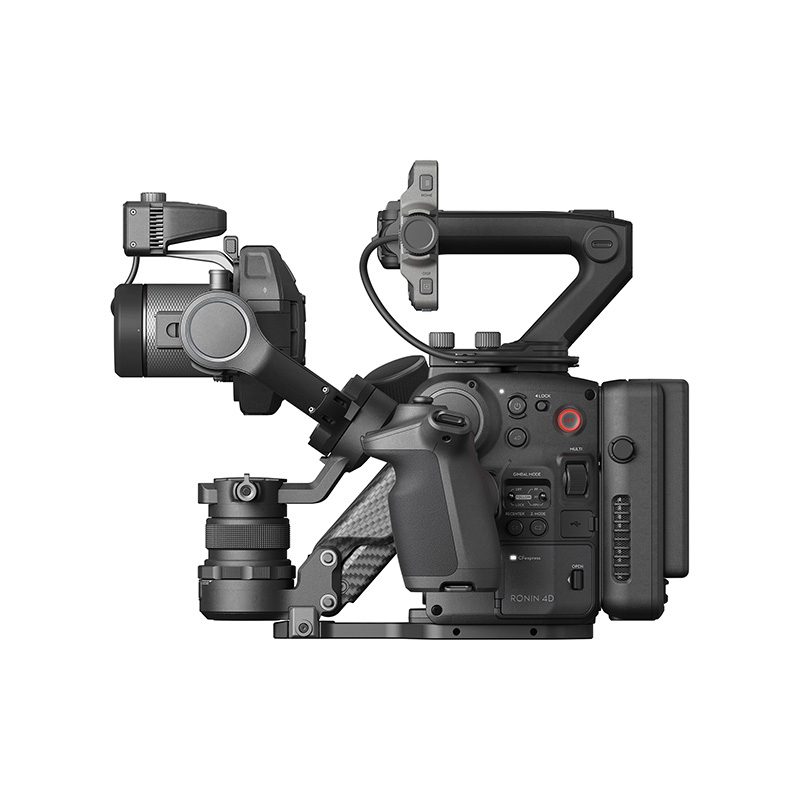 DJI Ronin 4D
 Insta360 X6
 Insta360 Luna
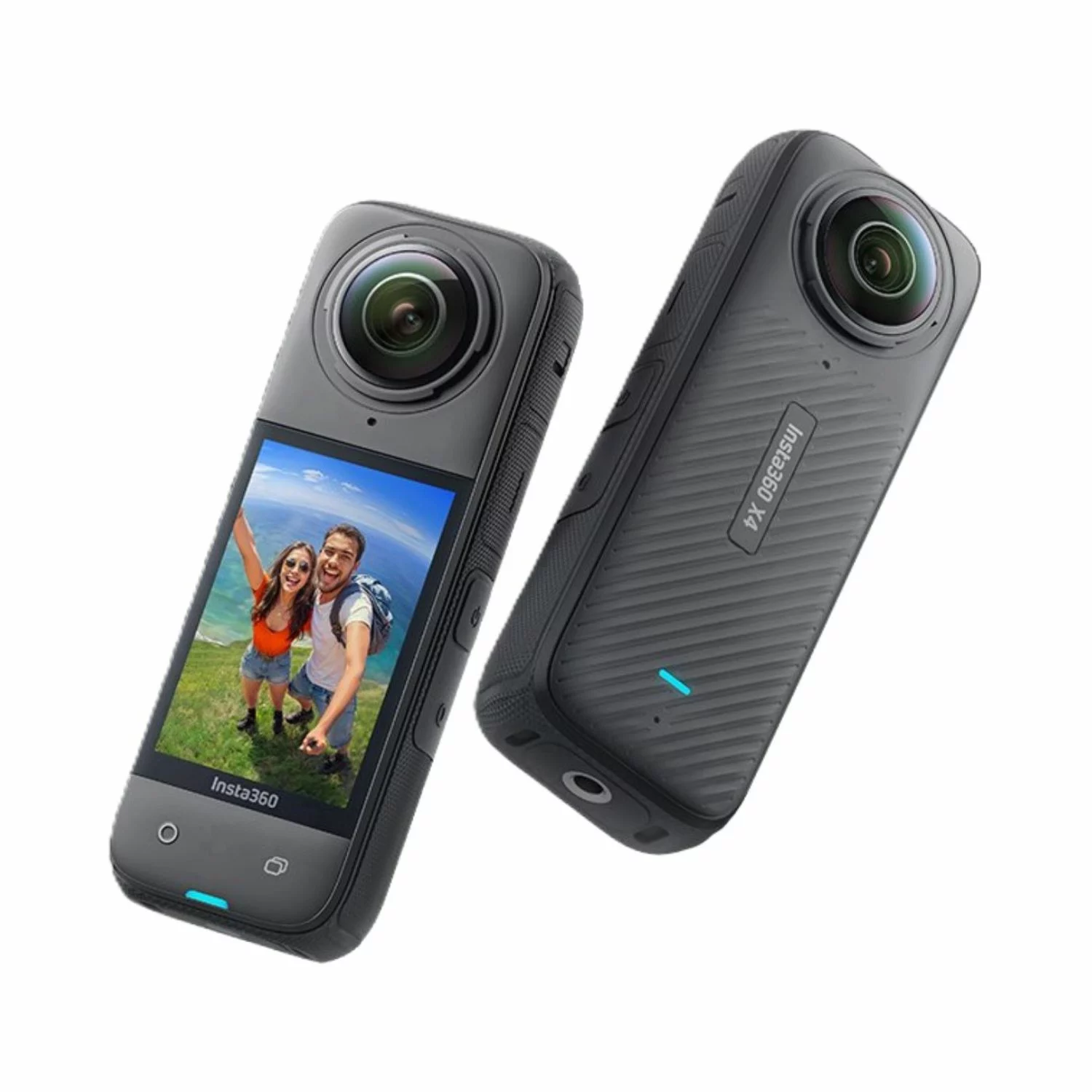 Insta360 X4
 Insta360 Flow 2 Pro
 Insta360 GO 3/3S
 Other insta360 cameras
 Spare parts for DJI Tello
 Spare parts for DJI NEO / NEO 2
 Spare parts for Dji Air 3 / 3S
 Spare parts for DJI Avata / Avata 2
 Spare parts for DJI Spark

 Drone football (DroneBALL)