Liquidation
 0% interest for 6 months
 Профилактика
 DJI Spare Parts
 Extended warranty Drones.bg
 Sell your old drone and get cash now!

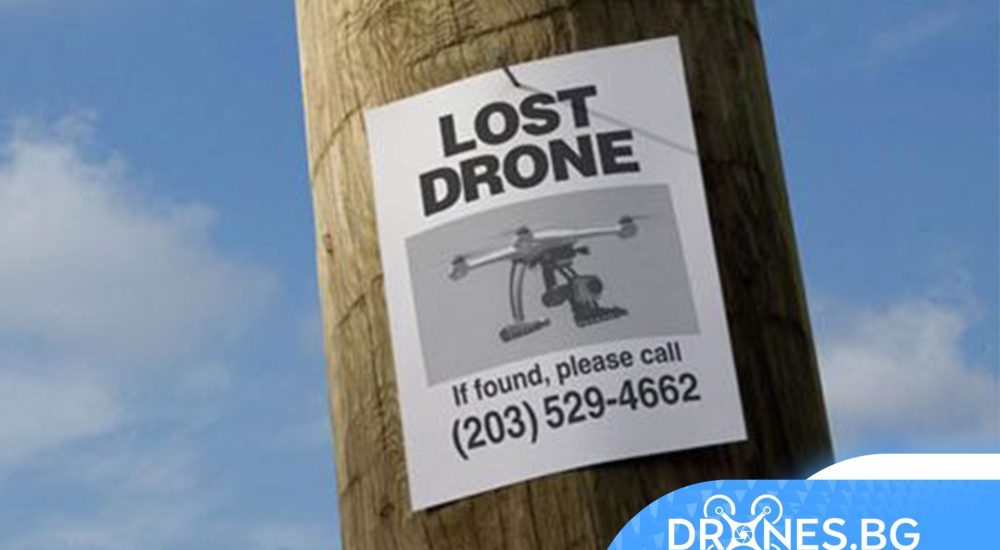

What should I do if my DJI drone flies away (Fly Away)?
Fortunately, most of the accidents are preventable if you follow some simple and clear guidelines. Please always follow our flight safety tips and we will help you prevent a flight from taking off.
However, the unexpected can happen at any time. If you encounter such a situation, what should you do?
Following the steps below gives you a good chance of finding your drone.
First of all, you need to know about the following process after takeoff occurs.

Physically searching for your drone is the first step in your efforts to retrieve information about your drone. Most pilots look for their drone at its last known location. Be careful and stay calm. If the plane is lost in a dangerous environment such as sea, mountain or cliff, etc., safety always comes first!
The „Find My Drone“ feature in the app may be the first choice to help you get the ability to retrieve your drone.
Applications used:
DJI Fly
DJI GO 4
Remark:
If your DJI FPV or DJI Avatar has flown, please first sync the flight records in the goggles with DJI Fly:
Connect DJI Goggles 2 or DJI FPV Goggles V2 to DJI Fly, go to "Profile" on the home page and tap "More". At this time, "Sync flight data to the cloud automatically over Wi-Fi and view it on other devices." prompt will appear in the upper left corner. Tap to enable it and "Sync flight records from goggles to your local device. % completed will be displayed. Then the flight records in the goggles can be viewed after syncing.
Additionally, you can locate the drone by checking its last known coordinates.
This will give you the exact location of the drone, or at the very least significantly narrow down the area you need to search.
How do I check the last known coordinates?
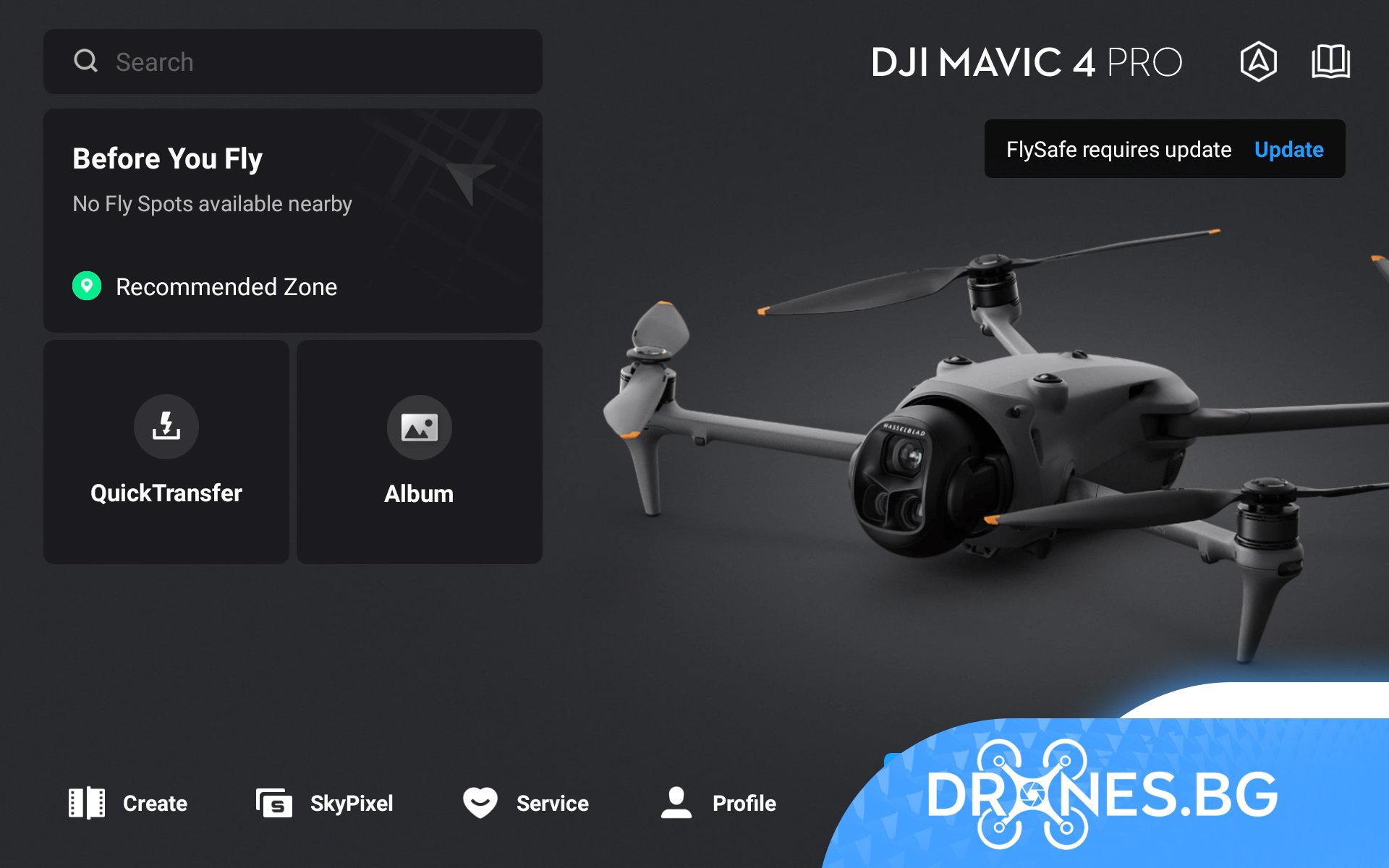
DJI Fly: Go to „Profile“ on the home page and tap „Find my drone.“ Then, the coordinates where the drone was last connected can be found in the lower left corner.

DJI GO 4: Tap "Me", "Flight Records" and enter the relevant flight record. The latitude and longitude can be found in the upper left corner of the playback bar. Pull the progress bar to the end and the last known location can be found.

You can then enter latitude and longitude coordinates into Google Earth or another map to find your drone.
You will find that understanding how to read the flight log will be helpful in finding your drone.
When you find or pick up your drone, the drone will most likely be damaged, you need to report the damage to DJI online repair request and send the drone back to DJI for diagnostics to avoid unnecessary danger on the next flight if you risk using the drone in this way.
But most importantly, if you lose your DJI drone, don't panic. Please see the following steps and contact DJI support for assistance or contact our DRONES.BG staff who will help you and assist in resolving the case.
If you have suffered a crash, we recommend that you sync your flight recording, DJI may have access to your flight recordings to determine what happened to the drone.
Tips: In some cases, more information may be needed, such as flight log files, cached videos, etc. to further localize the issue. If necessary, our technical support will contact you to follow up on your case for details once the case is filed.
Once the flight records are synced, you can report a takeoff incident via Flyaway Reporting or contact DJI Support to create a takeoff incident.
Method 1: Reporting service
Flyaway The Flyaway reporting service is now available in many countries and regions for some products. To report a flyaway, visit the official DJI website, go to Support, then click the "Support" button, scroll down the page to find Flyaway Reporting, and click "Report Now".
If DJI Care Refresh is purchased and bound, a flyaway replacement service can be provided, you can simply choose to use the damage coverage if it is minor. Preparing a DJI Care Flyaway Aircraft Report in advance can double the effectiveness of applying the flyaway replacement service.
Tips:
To use Flyaway Coverage, your DJI account and remote controller must be linked to the drone via the app. If this linking operation was not completed prior to the incident, the damage coverage cannot be used.
It is recommended to perform the connection operation after activating DJI Care Refresh.
Our technical support will contact you within approximately 1-2 business days after your case is created.
Method 2: Contact DJI Support to Create a Case
Contact DJI support at this one page and get technical support via chat or email to create an instant case.
It is more effective to prepare the following information in advance:
– Product serial number:
– Account in the application:
– Date and time of the incident:
– Place of flight:
– Description of the incident:
Notes:
Before a crash case is reported and resolved, you should not delete the app or clear its data. Otherwise, the processing and resolution of the case may be affected due to data loss.
Once the case is created, our technical support will follow up on the case until the case is closed.
Although flyaways still happen and are not a pleasant experience for pilots, fortunately there are a few different ways you can prevent flyaways and get your drone back.
We sincerely hope you never have to go through such an experience.
Just in case, we at DRONES.BG are at a meeting and don't hesitate to contact us if you need us!!!








 Discounts
 0% interest for 6 months
 Vouchers

 All DJI Drones
 DJI Lito
 DJI Mini 5 Pro
 DJI Neo 2
 DJI Neo
 DJI Avatar 360
 DJI Avatar 2
 DJI Mavic 3 Pro
 DJI Air 2S
 DJI Avatar
 DJI FPV
 DJI Mini 3 Pro
 DJI Care Refresh Plans
 DJI Matrix 4
 DJI Matrice 400
 DJI Dock
 DJI Mavic 3 Enterprise
 DJI FLYCART 30
 DJI FlyCart 100 CARGO TRANSPORT DRONE
 Software for industrial drones
 Professional cameras
 Antigravity A1
 Kids drones
 Kids drones
 Drone batteries
 Drone housings
 Drone legs
 Motors/Gears
 Drone Fins / Propellers
 Fin guards
 Chargers
 FPV drones
 FPV drones
 FPV parts
 FPV видео антени
 Аналогови FPV камери
 FPV Батерии
 Аналогови VTX
 Digital FPV systems
 Кабели и конектори
 FPV Зарядни
 Tools
Tools Крепежни елементи
 FPV Мотори
 FPV Перки
 Радио Приемници и Антени
 Дистанционни и модули
 FPV Рамки
 FC / ESC / Stacks
 FPV GPS Модули
 FPV Чанти и кейсове
 Airplanes
 Simulators
 DJI Osmo 360
 DJI Osmo Action 6
 DJI Osmo Action 4
 DJI Mic Mini 2S
 DJI Osmo Pocket 4/4Pro
 DJI Osmo Pocket 3
 DJI Osmo Mobile 8/8P
 DJI Osmo Mobile 7
 DJI Ronin RS 4 PRO
 DJI Ronin RS 3 Pro
 DJI RS3 Mini
 DJI Ronin 4D
 Insta360 X6
 Insta360 Luna
 Insta360 X4
 Insta360 Flow 2 Pro
 Insta360 GO 3/3S
 Other insta360 cameras
 Spare parts for DJI Tello
 Spare parts for DJI NEO / NEO 2
 Spare parts for Dji Air 3 / 3S
 Spare parts for DJI Avata / Avata 2
 Spare parts for DJI Spark

 Drone football (DroneBALL)